Jobs and next actions
Keep each job’s people, stage, address, tasks, and records together. Use due dates, prerequisites, and recorded crew availability to plan the next step.

Construction and business · by Tristin Hassell
Run construction jobs offline
Apple silicon Mac with macOS 26 or later
Invented sample company, Bright Ridge Roofing.
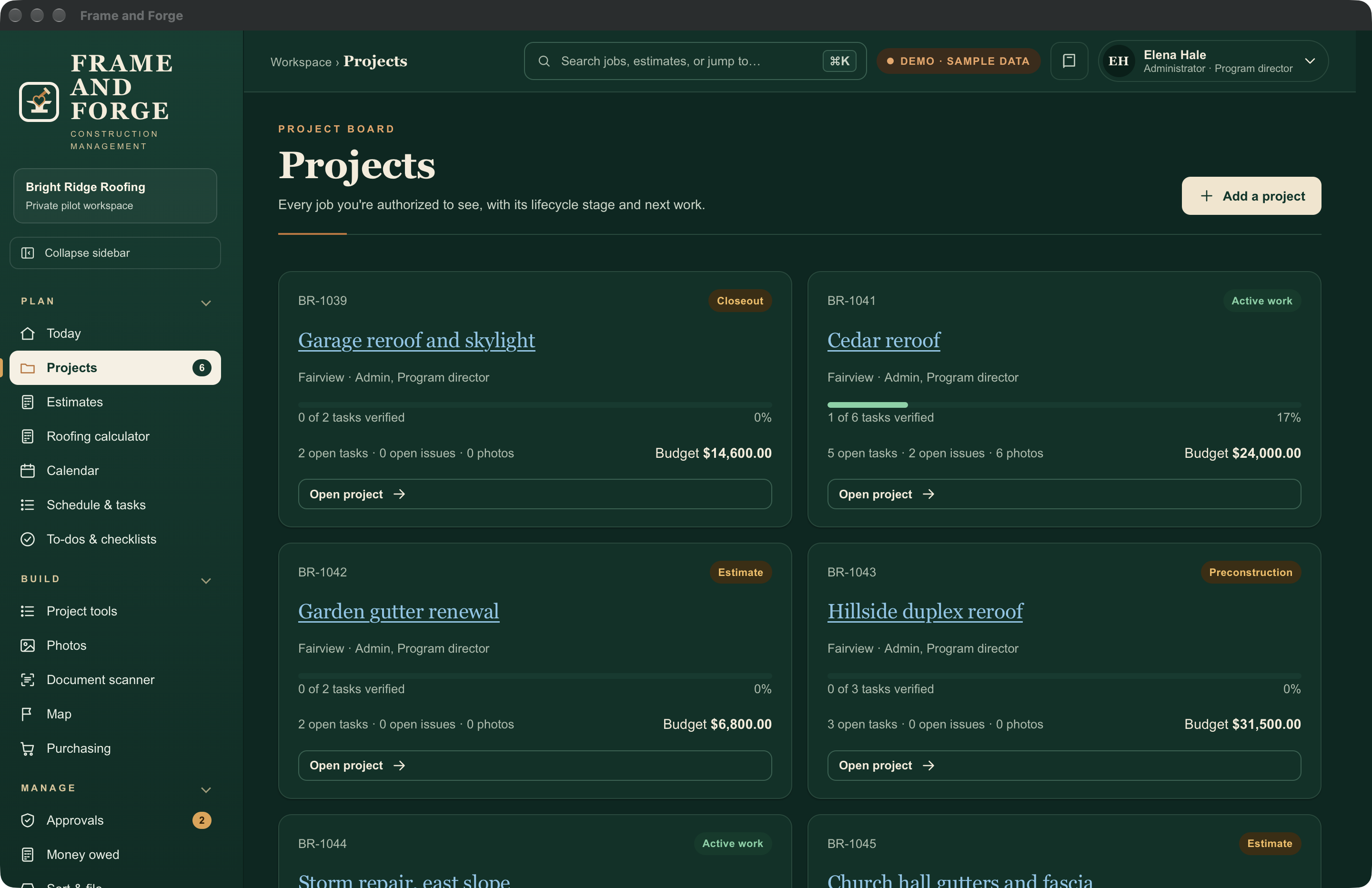
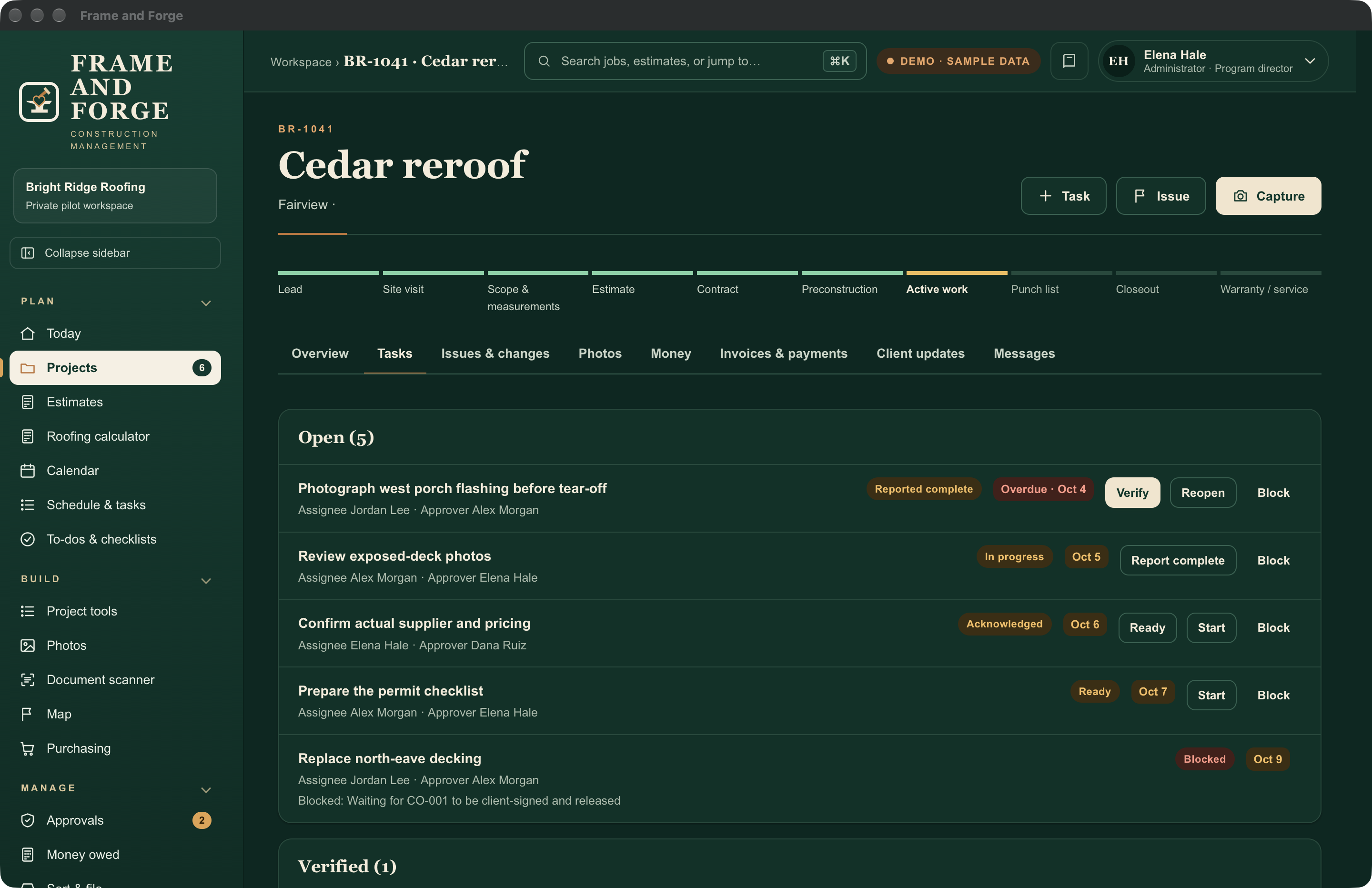
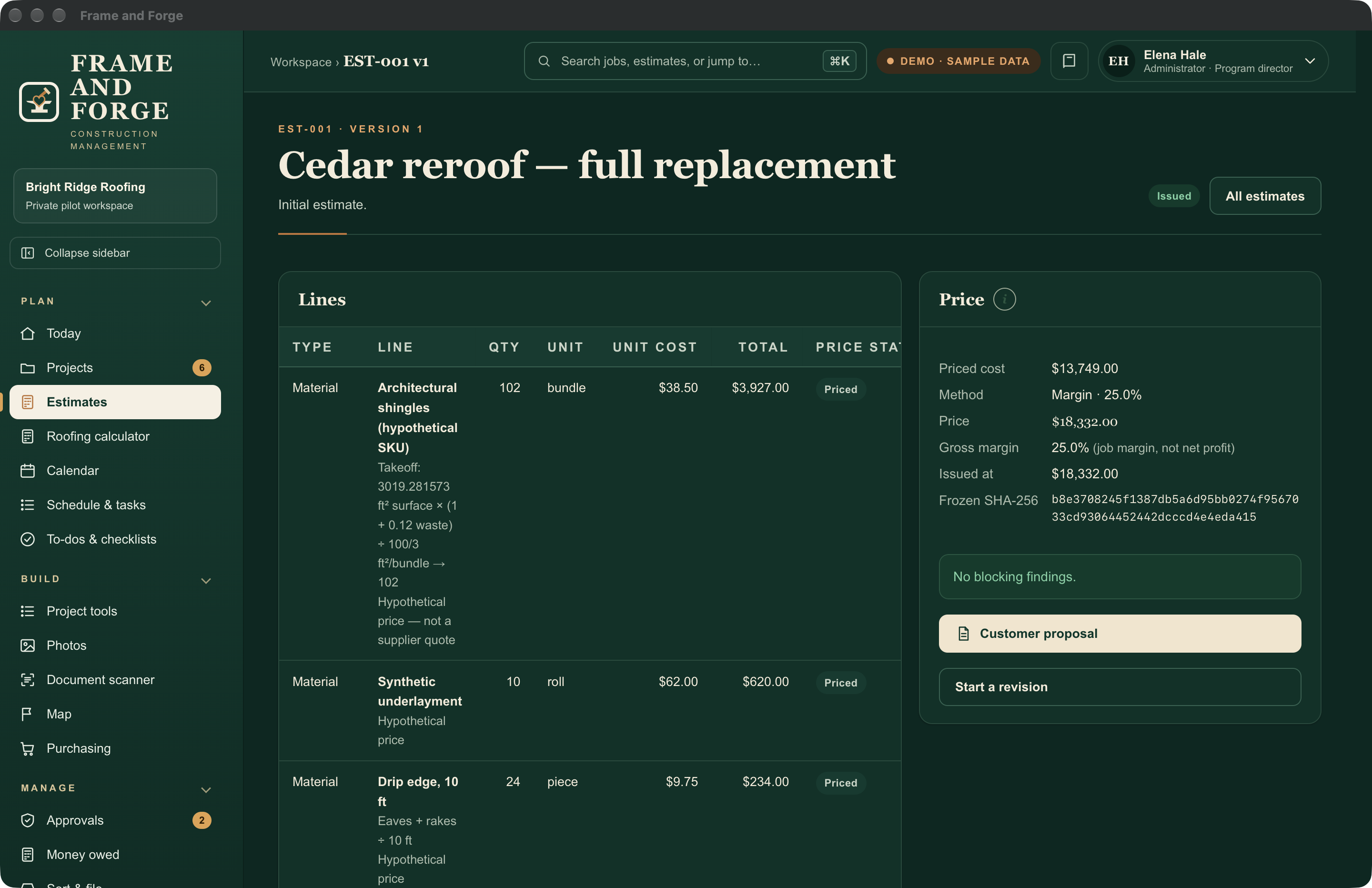
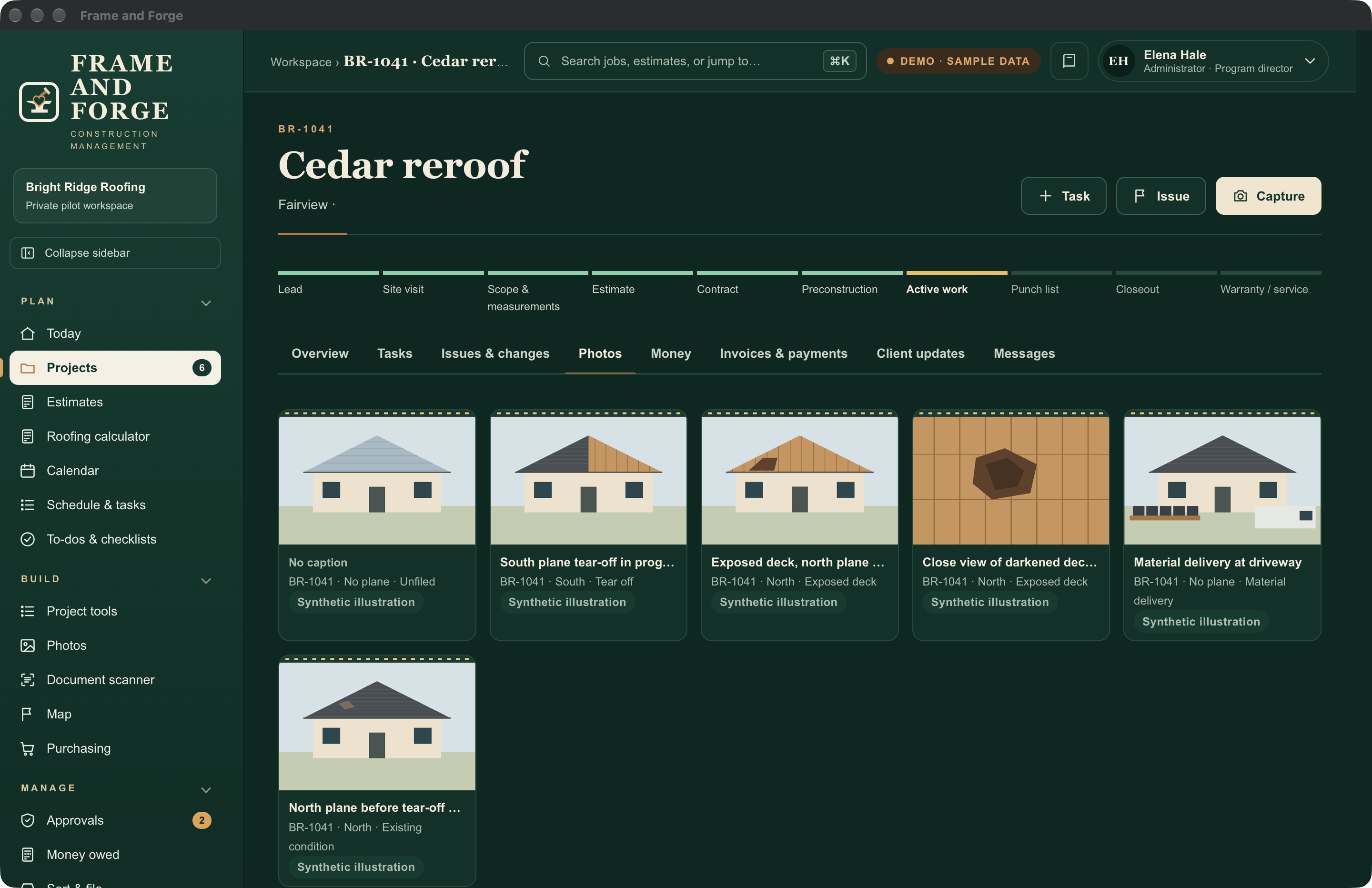
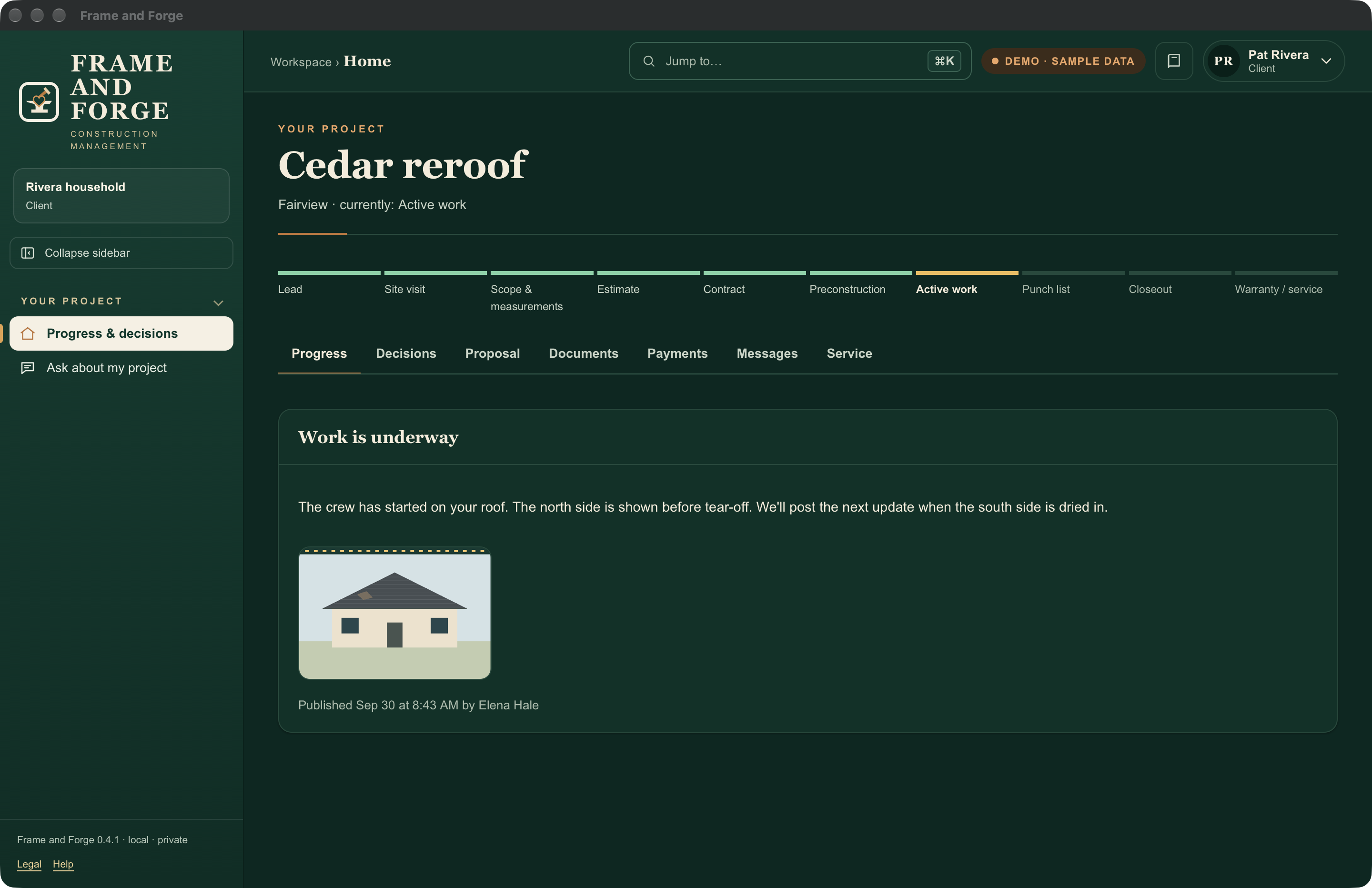
Keep a job’s estimate, work plan, photos, decisions and client updates in the same place. Give each person access to the work they do, from the office to the job site.
Keep each job’s people, stage, address, tasks, and records together. Use due dates, prerequisites, and recorded crew availability to plan the next step.
Build estimates from quantities and entered prices. Compare cost scenarios, prepare proposals, and keep invoice and payment records with the job.
File photos by job and category. Add captions, record progress and blockers, and keep submitted reports linked to the evidence they refer to.
Keep document versions and review history. Organize permit paperwork and record the decision, responsible person, and supporting information.
Prepare a separate customer view. Choose the wording, photos, and records to publish instead of exposing the whole project folder.
Keep the workspace in a folder you choose. Export reviewed records and preserve the database, documents, photos, and keys together in a complete backup.
Start a job from a template for common trades, save a finished job as your own Blueprint, and share a price list or checklist with another workspace. Open sample data to try the app.
Keep jobs, estimates, photos and documents on your Mac. Frame and Forge Field keeps downloaded assignments and drafts on a phone; reconnect to the office to sync.
| Device | Details |
|---|---|
| Apple silicon Mac | macOS 26 or later. The Mac holds the workspace and runs the office tools. |
| iPhone, iPad and Android | Frame and Forge Field runs in a browser or from the Home Screen after setup with the office. Download assignments before going offline; reconnect to sync. |
The app is free to download, with a 14-day full trial and a free Starter mode for one person. Larger teams buy a one-time plan sized to how many staff need accounts. Subcontractors and clients are always free. There is no subscription.
The core workspace works locally. Optional services may have their own accounts, charges and internet requirements.
No. People approve changes, sign contracts, make purchases and send documents.
Frame and Forge Field keeps downloaded assignments and drafts on a phone. Reconnect to the office to receive updates and sync field records.
Use the support page or email hello@gatheredcommonspress.com. Leave client records and credentials out of your first message.
Set up the company, invite people, manage account access, and choose who can see sensitive records. Keep backups and review account activity. Administrative access is separate from authority to approve work or see project finances.
See the jobs you manage, review estimates and costs, coordinate schedules and purchases, handle approvals, and publish client updates. Keep the estimate, decision, and supporting records together.
Run assigned jobs: plan tasks and prerequisites, prepare estimates, request materials, record issues, and review field reports. Prepare updates for the office to review and publish.
Find assigned work, check the site details, take photos, record daily progress, and flag a blocker or missing material. Crew access follows the jobs and tasks assigned to that person.
Use the issued information for assigned work. Submit photos, progress, questions, and proposed changes without opening unrelated jobs or the company’s internal margin records.
See the progress, photos, documents, and decisions the company has published for their job. Ask questions and acknowledge updates. Private field records and internal costs stay outside the client view.
Choose your state and time zone at setup, then add the permit offices you use. California license labels and notices appear for California companies.
The planned download is free, with a 14-day full trial and a free Starter mode for one person. Larger teams choose a one-time plan. Subcontractors and clients are always free, and there is no subscription.
Tell me how many staff need accounts and how your office and field teams work.
Ask about private testing or a team planEmail hello@gatheredcommonspress.com. I answer within three business days.
Software by Tristin Hassell. Published by Gathered Commons Press LLC.