A place to start
Choose Writing, Publishing or Software. Each starts with a sample project and a few pending tasks. Change workspaces whenever you like; your saved projects and tasks are there when you return.

Projects and next steps for Mac · by Tristin Hassell
Projects, tasks and your Mac
Mac with macOS 14 or later, Apple silicon or Intel
Earlier desktop-panel views with example projects. The next private testing edition adds the workspace overview described below.
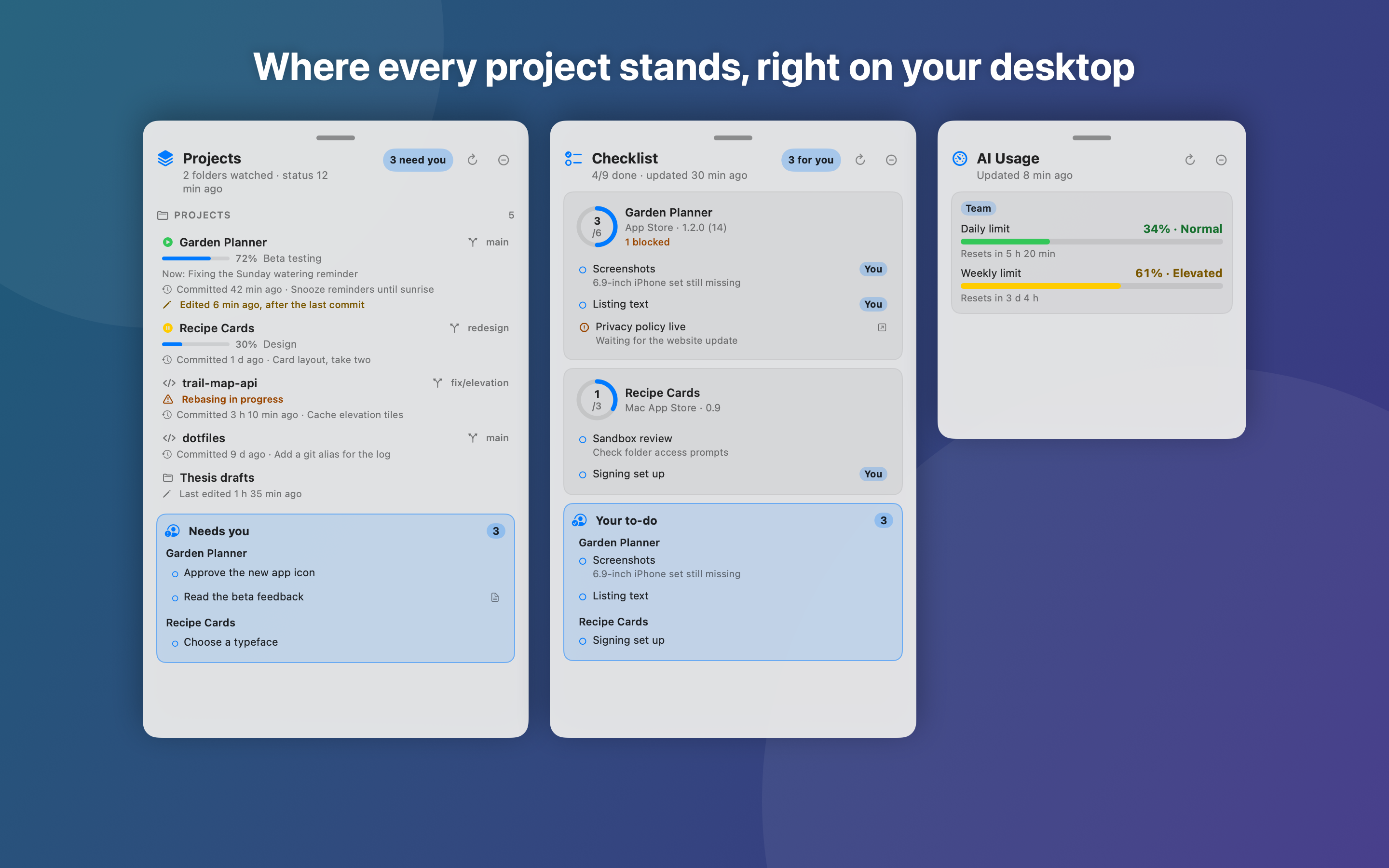
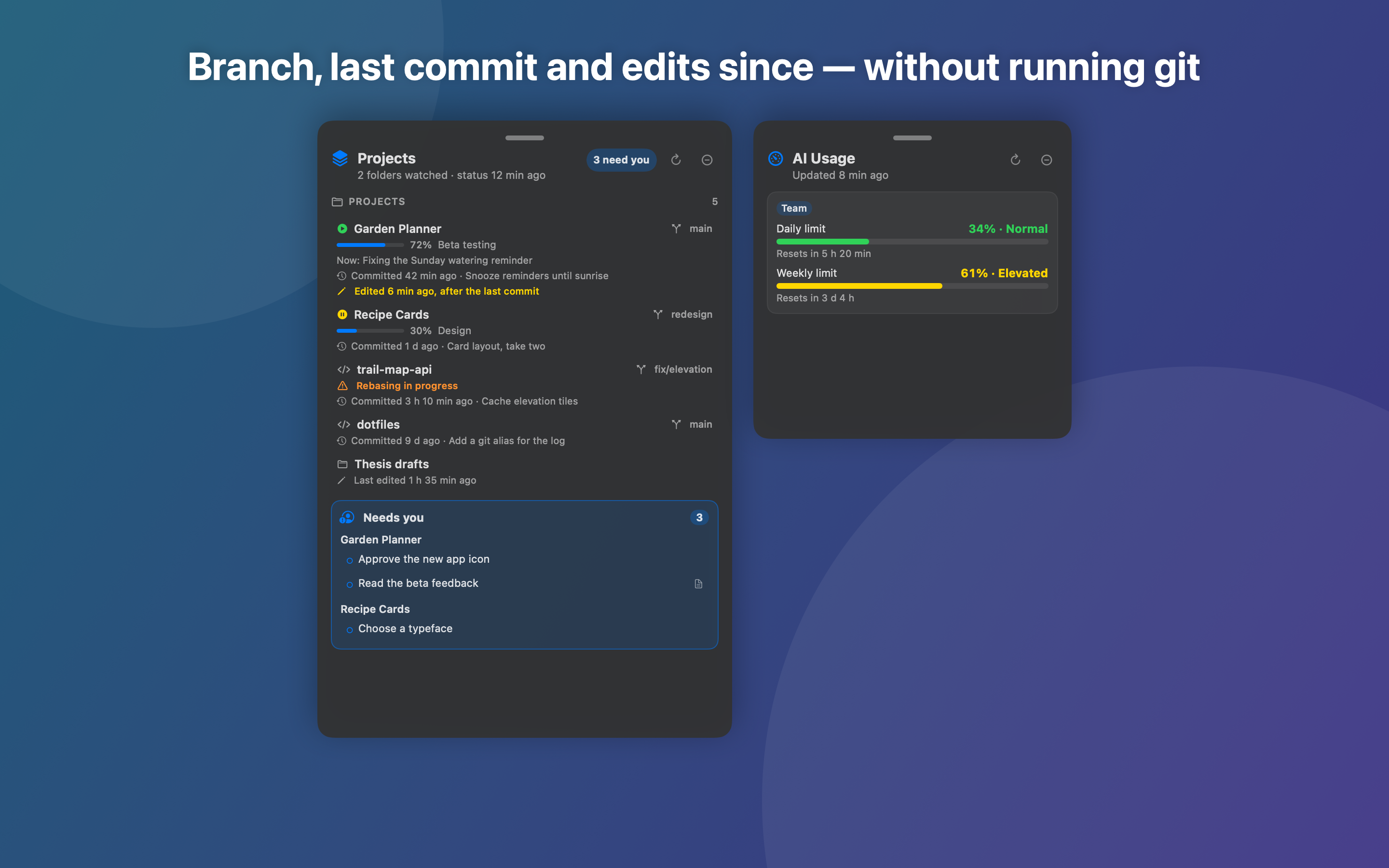
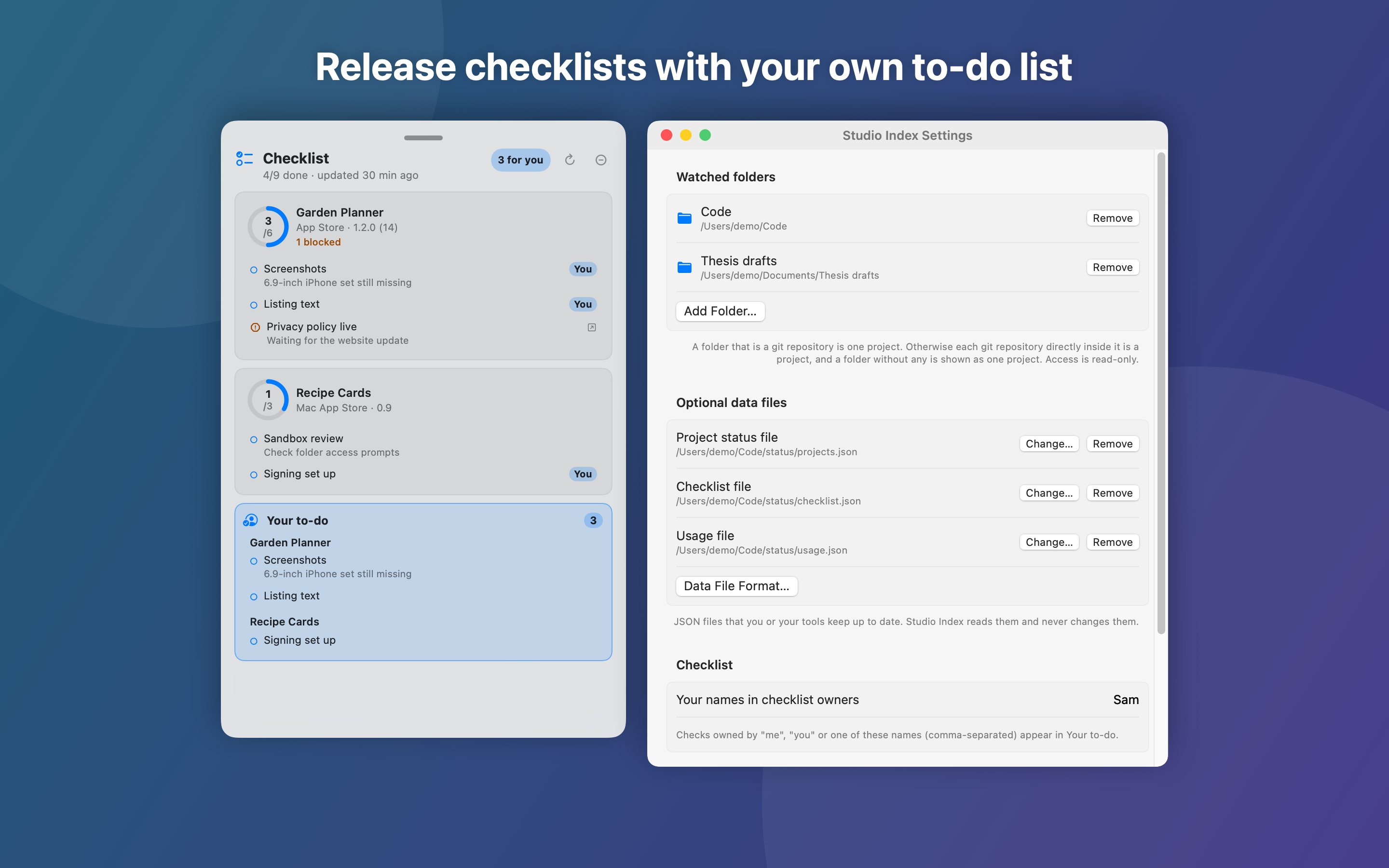
Keep projects, next steps and recent work together on your Mac. In the next private testing edition, start with a Writing, Publishing or Software workspace, or connect project folders you already use.
Choose Writing, Publishing or Software. Each starts with a sample project and a few pending tasks. Change workspaces whenever you like; your saved projects and tasks are there when you return.
Add and rename projects, add tasks, and check them off as you finish. Reopen a completed task when it needs more work. Changes are saved on your Mac.
Connect Documents, Downloads or another folder once. Recent work follows changed files in those folders; select one to show it in Finder. You choose which folders the app may read.
See open apps, CPU activity and memory readings. Select an app to bring it forward. Readings refresh every 30 seconds while the overview is open.
Keep the Mac and display awake for 30 minutes, one hour, two hours, or until you turn it off. Closing the overview keeps your choice active. Quitting Studio Index ends it.
Choose Custom folders to follow existing project activity. Optional connections read status, checklist and usage files without changing them. Open small desktop panels, move and resize them, and show or hide them together.
In the next private testing edition, Writing, Publishing and Software workspaces start without a folder chooser. Choose Custom folders when you want to follow existing project files.
Yes. Each workspace keeps its own projects and tasks on your Mac. Return to that workspace to use them again.
No. You confirm each folder the app may read. It shows up to 12 files from a bounded search within those folders.
No. The key is only for optional TestFlight status from Apple. Projects, tasks, recent files and Mac readings work without one.
No. It starts Off, lasts only as long as you choose, and ends when you quit Studio Index.
Private testing is awaiting Apple’s approval. A public release date has not been announced.
Projects and tasks created in Studio Index are saved separately from connected files. Connected folders and status files stay unchanged. No account with us is required, and the app has no ads, analytics or tracking. If you add your own App Store Connect key, Studio Index can request your apps’ TestFlight status from Apple. Project contents are never sent.
Read the privacy policy for details about recent files, local Mac readings and optional connections.
Choose a text size in Settings and decide whether panels stay above other windows. Control-Option-Command-I moves keyboard focus to the panels; Tab moves through rows and Space opens an item. Controls have VoiceOver labels, and colour is accompanied by words or symbols.
Email hello@gatheredcommonspress.com. I answer within three business days.
Software by Tristin Hassell. Published by Gathered Commons Press LLC.